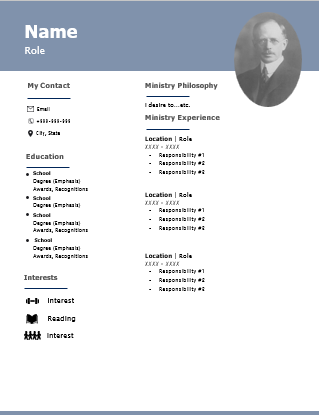
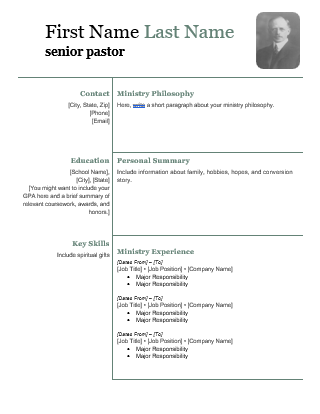
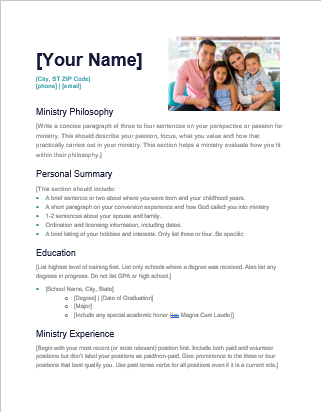
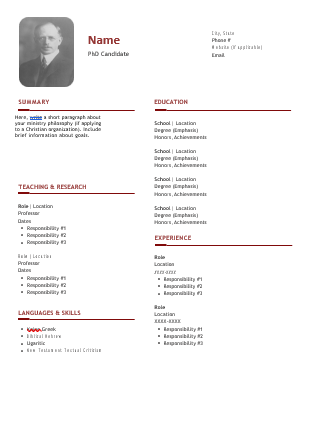
Your resume creates a first impression. Is it a good one? Ministry resumes provide potential employers with a broad overview of who you are and what you can do. A clean, professional, and error-free resume goes a long way toward the interview.
Cover Letter
A cover letter is a one-page introduction to who you are and why you would be a good fit at the church or ministry where you are applying. Think of this as the resume’s introduction. An eye-catching cover letter has an interesting hook and outlines pertinent experience in a personal, memorable way. Cover letters should always be send as PDFs.
Effectively communicating your faceted array of experiences, skills, and traits, along with the unique strengths you bring to a work place can be daunting; however, time and careful thought spent on your resume is well-invested.
Send your resume for edits by selecting the “Send for Edits” button below. Once logged into your account, click your profile picture and go to “My Documents,” then click the purple button that says “Add New.” Submit resumes as PDFs. Once uploaded, your resume will be forwarded to the Career Services Office. Two members of our staff will review your resume and make suggestions before emailing you a copy with our notes. Once approved by our office, it will be the resume automatically attached to your Symplicity profile. We recommend you up-date your resume based on our edits and re-upload it to Symplicity.
To log into Symplicity, the username format is: FirstLast@dallasseminary.edu (e.g. LewisChafer@dallasseminary.edu). If you have not set up a password or are unsure of your username, please click here or call the Help Desk at (214) 887-5230 for assistance.
A video resume allows you to stand out among other candidates and directly to ministry partners. It is a way for candidates to go beyond traditional methods of applying for positions to make a better first impression. In two to three minutes, your video resume will display your communication skills, personality and passion for ministry.